Jazz Number Check Code 2026 — Find Your Own Jazz Number
Jazz Number Check Code helps you find your own Jazz SIM number in seconds. Whether you have a new SIM or have been using one for years, this guide explains the official code, how to use it step by step, and what to do if it does not work.
The Official Jazz Number Check Code
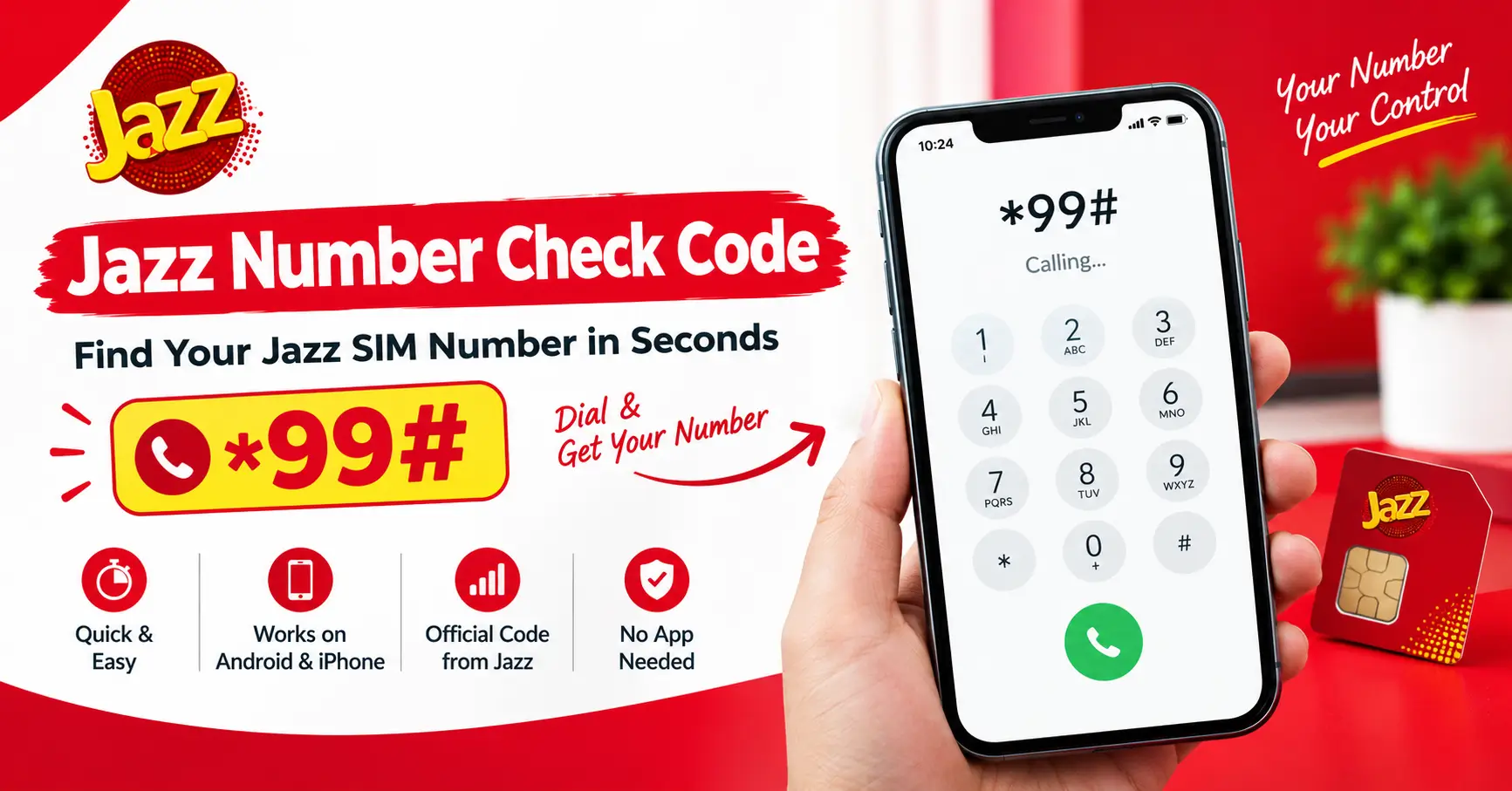
The official code, listed on Jazz’s own self-service dial codes page at jazz.com.pk, is *99#. Jazz lists it under “Common Issues & Troubleshooting”, and it is shown for both Android and iPhone users.
Code: *99# — dial it like a normal call, and your number appears on screen
Official listing: Jazz self-service dial codes page, under Common Issues & Troubleshooting
Works on: Android and iPhone
Charges: Jazz does not state whether it is free or charged
How to Check Your Jazz Number – Step by Step
Step 1: Open the dialer on your phone, the same place you type a number to call someone.
Step 2: Dial *99# from your Jazz SIM and press the call button.
Step 3: Wait a second or two. Your own Jazz number appears on the screen.
Step 4: Write it down or save it in your contacts right away, so you never have to look it up again.
That is all there is to it. No app, no SMS, no balance needed for the check itself.
What If *99# Does Not Work?
It usually works the first time. If it does not, try these simple things before anything else:
- Make sure the SIM is properly inserted in the phone and the phone shows the Jazz network.
- Restart the phone once and try *99# again.
- If you have two SIMs in the phone, make sure you are dialing from the Jazz SIM, not the other one.
- If it still does not work, visit your nearest Jazz franchise or Experience Center with your original CNIC. The staff can check the number for you after biometric verification.
Other Ways to Find Your Number
If the code does not work for some reason, your phone probably already knows the number. On most Android phones, go to Settings, then About Phone, then SIM Status — your number is shown there. On iPhones, go to Settings, then General, then About, and your number is listed near the top.
This method reads the number stored on the SIM itself, so it works even with zero balance and no signal. The catch: on a brand-new SIM with no activity yet, this field sometimes shows up blank. In that case, *99# is still your best bet.
Jazz Balance Save Code 2026 – Full Guide
What Jazz Does Not Say
Here is the honest part. Jazz’s site lists the *99# code, but it does not say whether using it is free or charged. Plenty of third-party guides call it free, and it probably is, but the official page simply does not state it either way, so we are not going to pretend it does.
Similarly, you will see other methods quoted online — like sending MNP to 667 — but those do not appear anywhere on Jazz’s official site for checking your number. They might work, they might not, but they are not the official method, so this page does not recommend them.
Save Your Number Once You Find It
Once you have your number, save it in your phone’s contacts under your own name, or write it on a small card in your wallet. It takes ten seconds and saves you this whole search next time someone asks for your number — for a form, a bank, a new app, or a friend saving your contact.
Conclusion
Checking your own Jazz number is one of the easiest things on the network: dial *99# from your Jazz SIM and your number appears on the screen. It is the official code from Jazz’s own dial codes page, and it works on both Android and iPhone. If it ever fails, your phone’s settings can show the number instead, and a Jazz franchise can help with your original CNIC. Just remember one thing — Jazz does not say whether *99# is free or charged, so do not trust any site that claims the official price.
Frequently Asked Questions
Q: What is the Jazz number check code?
A: The official code is *99#. Dial it from your Jazz SIM like a normal call, and your number appears on the screen. Jazz lists it on its self-service dial codes page under Common Issues & Troubleshooting.
Q: Is *99# free to use?
A: Jazz does not say whether it is free or charged on its official website. Many third-party guides call it free, but the official page does not state it, so there is no confirmed official charge.
Q: Does *99# work on iPhone?
A: Yes. Jazz lists *99# for both Android and iPhone users on its dial codes page.
Q: Can I check my Jazz number without balance?
A: The phone-settings method works even with zero balance and no signal, because it reads the number stored on the SIM itself. For *99#, dial it from your Jazz SIM and your number appears on screen.
Q: What if my number does not show in my phone’s settings?
A: On a brand-new SIM with no activity yet, the settings field sometimes shows up blank. In that case, dial *99# — it is the official method and still your best bet.
Q: Is there any other code to check my Jazz number?
A: No other official code is listed on jazz.com.pk for checking your number. Methods like sending MNP to 667 are quoted on third-party sites, but they do not appear on Jazz’s official site for this purpose.