Jazz Internet Setting 2026 – Get Internet Settings by SMS Code (Prepaid & Postpaid)
Jazz Internet Setting 2026
You put your Jazz SIM in a new phone, mobile data is on, but the internet is not working. In most cases the problem is simple: your phone does not have the Jazz internet setting saved in it yet.
The good news is that Jazz has an official service for exactly this. You dial one small code, and Jazz sends the internet settings to your phone by SMS — free of cost. This page explains the full process, step by step, for both prepaid and postpaid customers.
Jazz Internet Setting Codes
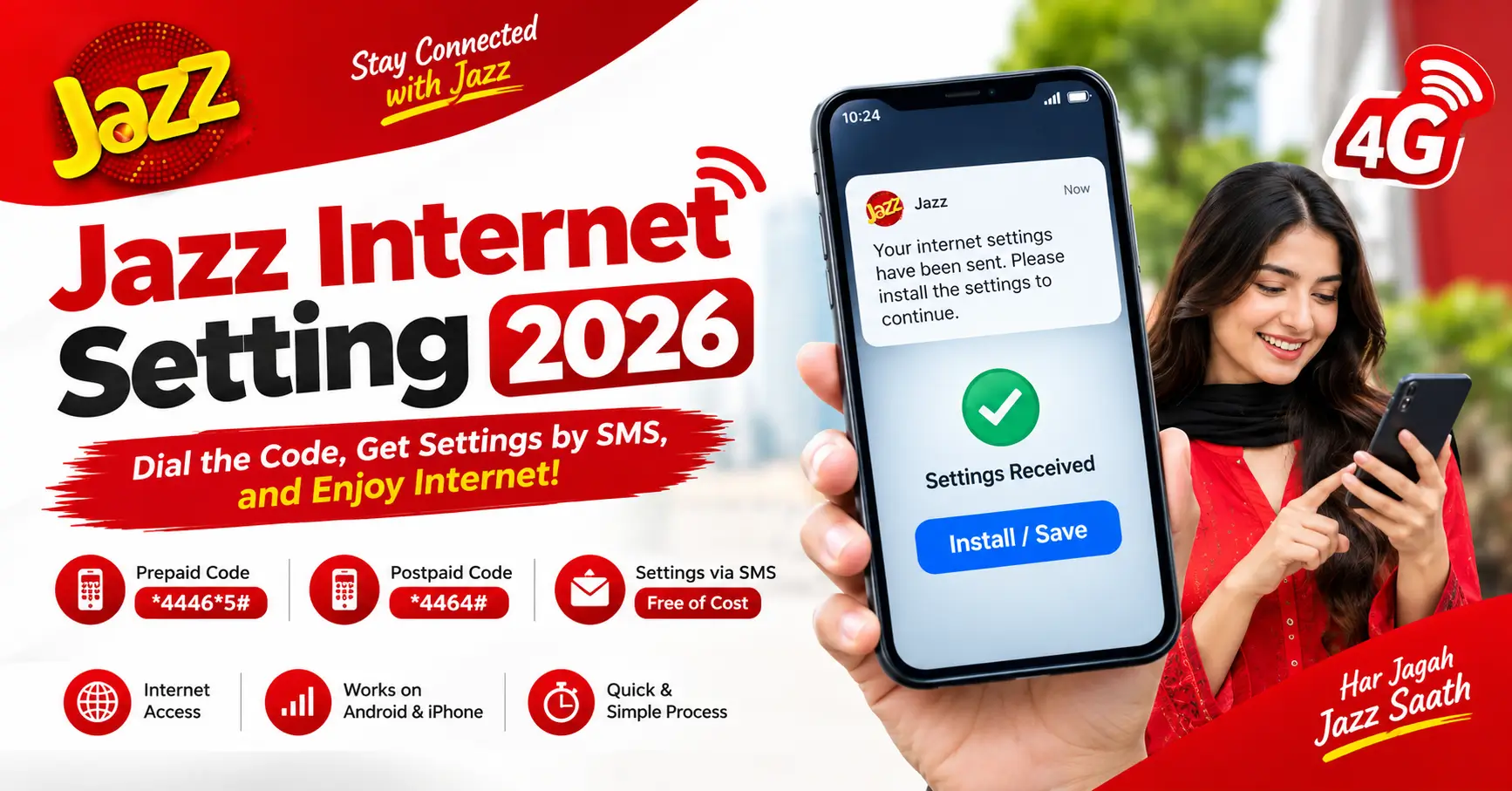
There are two codes, one for prepaid and one for postpaid. These are the codes published in the official FAQ on jazz.com.pk:
Prepaid customers: Dial *44465# to receive internet settings via SMS
Postpaid customers: Dial *4464# to receive internet settings via SMS
Charges: Free of cost
Delivery: Settings arrive by SMS, immediately
How to Get Jazz Internet Settings – Step by Step
Step 1: Open the dialer on your phone and dial the code for your connection — 44465# if you are prepaid, *4464# if you are postpaid. Dial it from the Jazz SIM itself.
Step 2: Wait a few moments. Jazz sends the internet settings to your phone as an SMS (on some phones it arrives as a configuration message).
Step 3: Open the message and choose Install or Save. The phone saves the settings itself — you do not have to type anything.
Step 4: Restart your phone once.
Step 5: Turn mobile data on and open any website or app to test. Your internet should now work.
That is the whole process. It takes about a minute, and it works on both Android phones and iPhones.
Why Phones Need These Settings
Every mobile network has its own internet settings, and a phone can only use mobile data when the correct settings for that network are saved in it. Most new phones pick up the Jazz settings automatically when you insert the SIM. But if you changed phones, reset your phone, or deleted the settings by mistake, the internet stops working until the settings are saved again — and that is exactly what the codes above do for you.
What If the Internet Still Does Not Work?
If you installed the settings and the internet is still not working, go through these checks one by one:
- Check your package: the settings only configure your phone. You still need an active internet package or bundle on your number for data to work.
- Toggle airplane mode: turn airplane mode on for 10 seconds, then turn it off. This forces the phone to reconnect to the network — it is one of the fixes Jazz itself lists on its official dial codes page.
- Select the network manually: go to your phone’s network settings, open Network Operators, and select Jazz manually instead of automatic.
- Check the network mode: make sure your phone is set to 4G/LTE preferred, not locked to 2G.
- Restart the phone: a simple restart fixes more internet problems than people think.
- Still stuck? Call the Jazz helpline on 111 from any active Jazz SIM, or on 021-111-300-300 from another network or a landline, and ask them to check your number.
An Honest Note About Jazz APN Settings
Many websites show a manual “Jazz APN” that you can type into your phone yourself. Here is the honest position: Jazz does not publish any APN name, username or password on its official website — we checked jazz.com.pk properly, including its FAQ and help pages. The only official method Jazz gives is the SMS settings service above. So if a random site shows you an APN value, understand that it is not published by Jazz itself, and the safe route is always the official code.
Conclusion
The Jazz internet setting is not something you have to hunt for or type by hand. If you are prepaid, dial 44465#. If you are postpaid, dial *4464#. The settings arrive by SMS for free, you install them, restart the phone, and your internet is ready. And if it still does not work after that, the checks above — an active package, the airplane mode toggle, and manual network selection — solve almost every case.
Frequently Asked Questions
Q: What is the Jazz internet setting code?
A: Prepaid customers dial 44465# and postpaid customers dial *4464#. The internet settings are then sent to the phone by SMS, free of cost.
Q: How do I receive Jazz internet settings on my mobile phone?
A: Dial the code for your connection type, open the settings SMS that Jazz sends you, choose Install or Save, and restart your phone once.
Q: Is the Jazz internet setting service free?
A: Yes. Jazz’s official FAQ says the settings are sent free of cost and arrive immediately.
Q: What is the Jazz APN name?
A: Jazz does not publish an APN name or value on its official website. The official way to set up internet on your phone is the SMS settings service — 44465# for prepaid and *4464# for postpaid.
Q: I installed the settings but my internet is still not working. What should I do?
A: First make sure you have an active internet package. Then toggle airplane mode on and off, select the Jazz network manually in your phone’s network settings, and restart the phone. If it still fails, call 111 from your Jazz SIM.
Q: Do I need internet settings again if I change my phone?
A: Usually yes. A new phone may not have the Jazz settings saved, so dial the code once from your Jazz SIM in the new phone and install the settings from the SMS.